

Finished in seconds. Yours in minutes.
Drop in a song and Shoreline listens to the whole thing first. It balances the tone, tightens the punch, sets the width, lifts hidden detail and brings it to a modern loudness without squashing it.
Switch between Original and Mastered at any moment. Both play at the same loudness, so you hear what changed, not just what got louder.
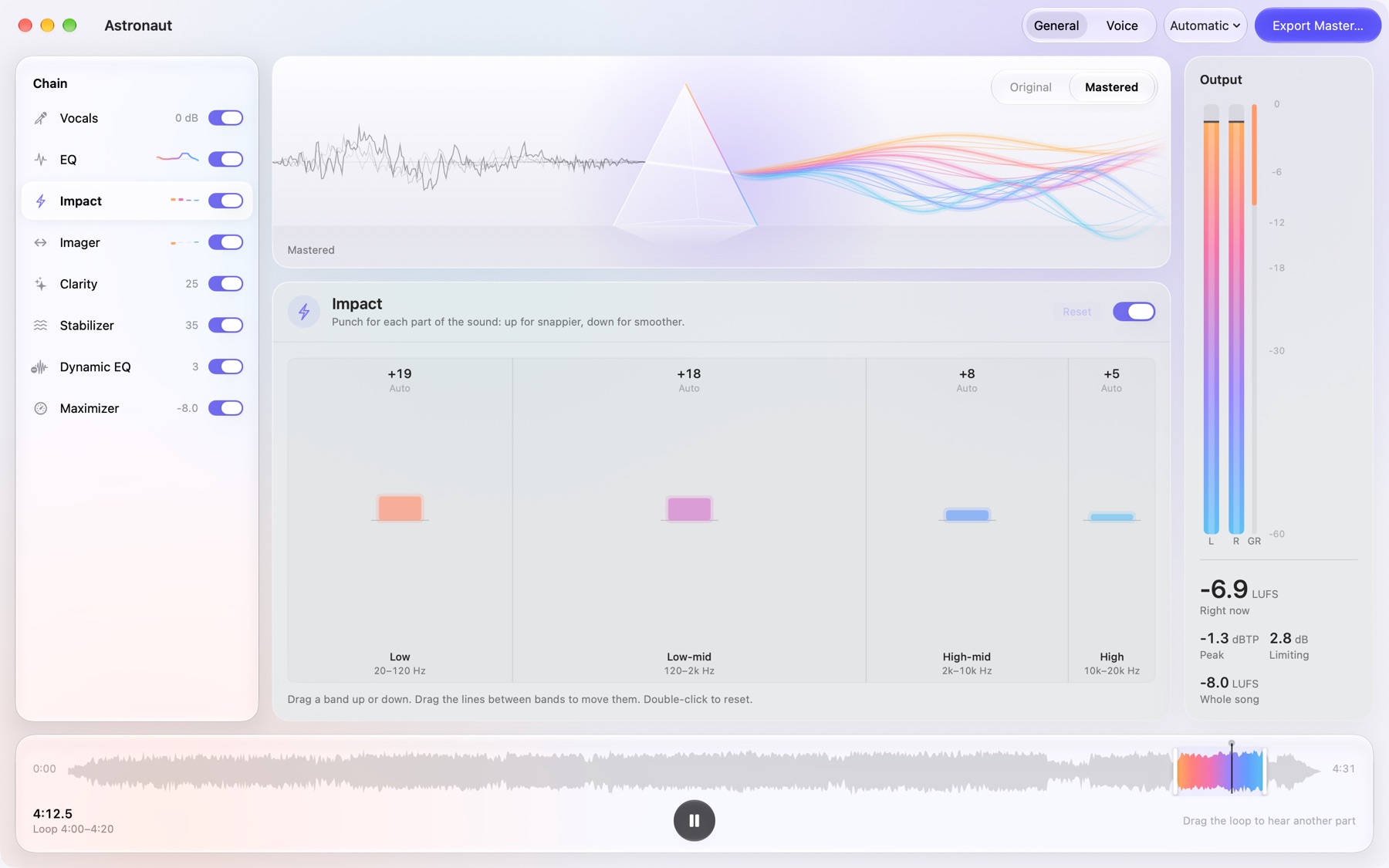
Every part of the sound, at your fingertips.
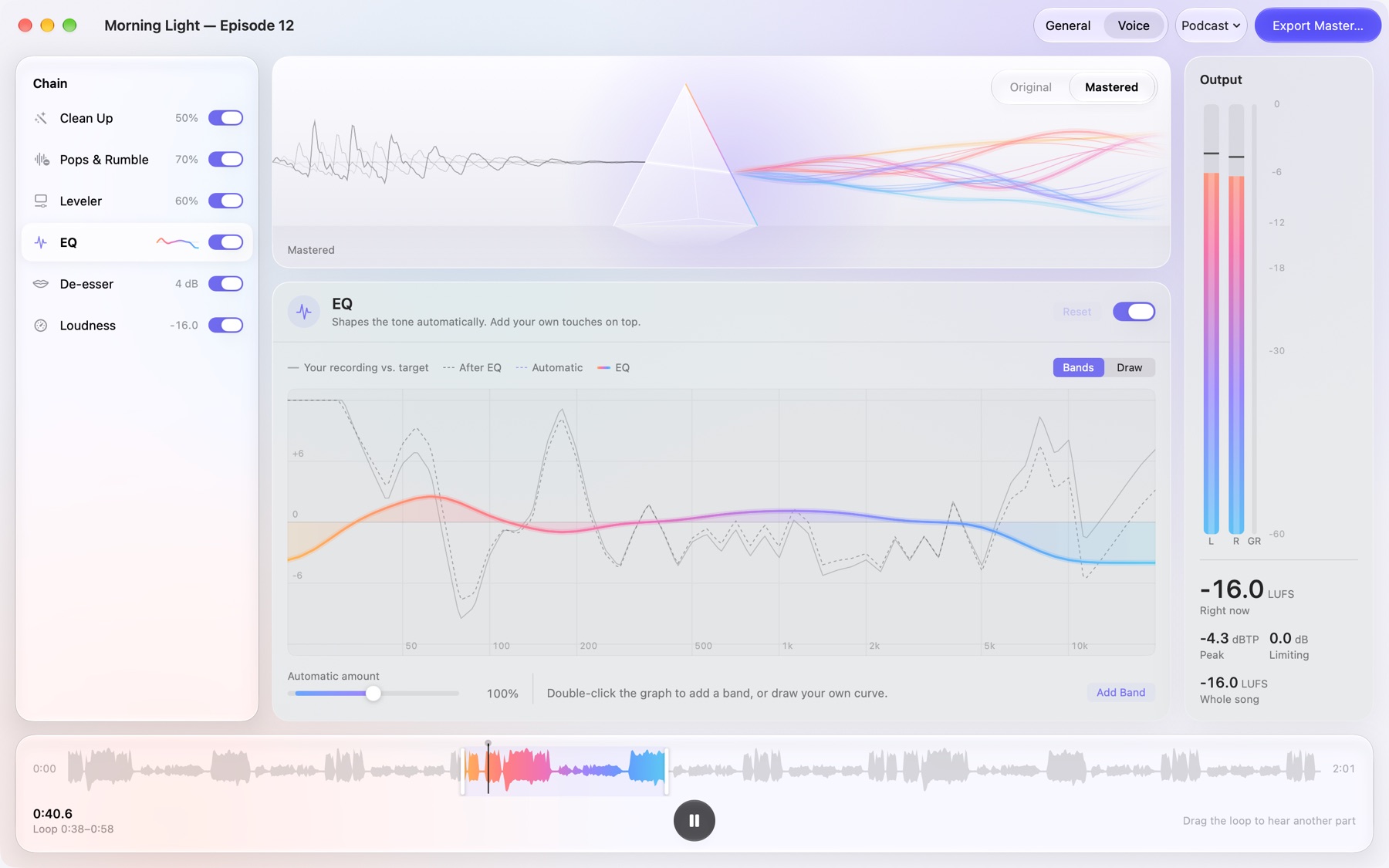
EQ you can draw
Add your own bands on top of the automatic tone, or simply paint the curve you want.
Punch and width
Shape the lows, mids and highs separately: snappier or smoother, wider or more focused.
Detail and balance
Bring out what louder parts hide, keep the tone steady, and tame harsh moments only when they happen.
Vocals up or down
Turn the singer up or down without touching the rest of the mix.
Loudness, done right
Choose how loud, how smooth and how bright, with a safe ceiling for every streaming service.
Sound as light
Watch your music pass through a prism and glow, each band of the spectrum lit as it plays.
Podcasts that are easy to listen to.
Switch to Voice and Shoreline cleans away background noise and room echo, softens mic pops, keeps every voice at the same volume and takes the sharp edges off "s" sounds, then sets the right loudness for where it's going.
General
Songs and anything else.
Voice
Podcasts, interviews, audiobooks, voiceover and calls.
Your audio never leaves your Mac.
Everything happens on your computer. Nothing is uploaded, there's no account to make, and nothing is tracked. Shoreline doesn't even connect to the internet.
Shoreline
Coming soon to the Mac App Store.